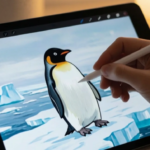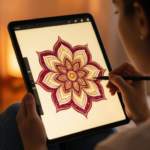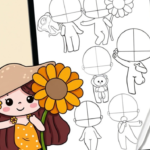

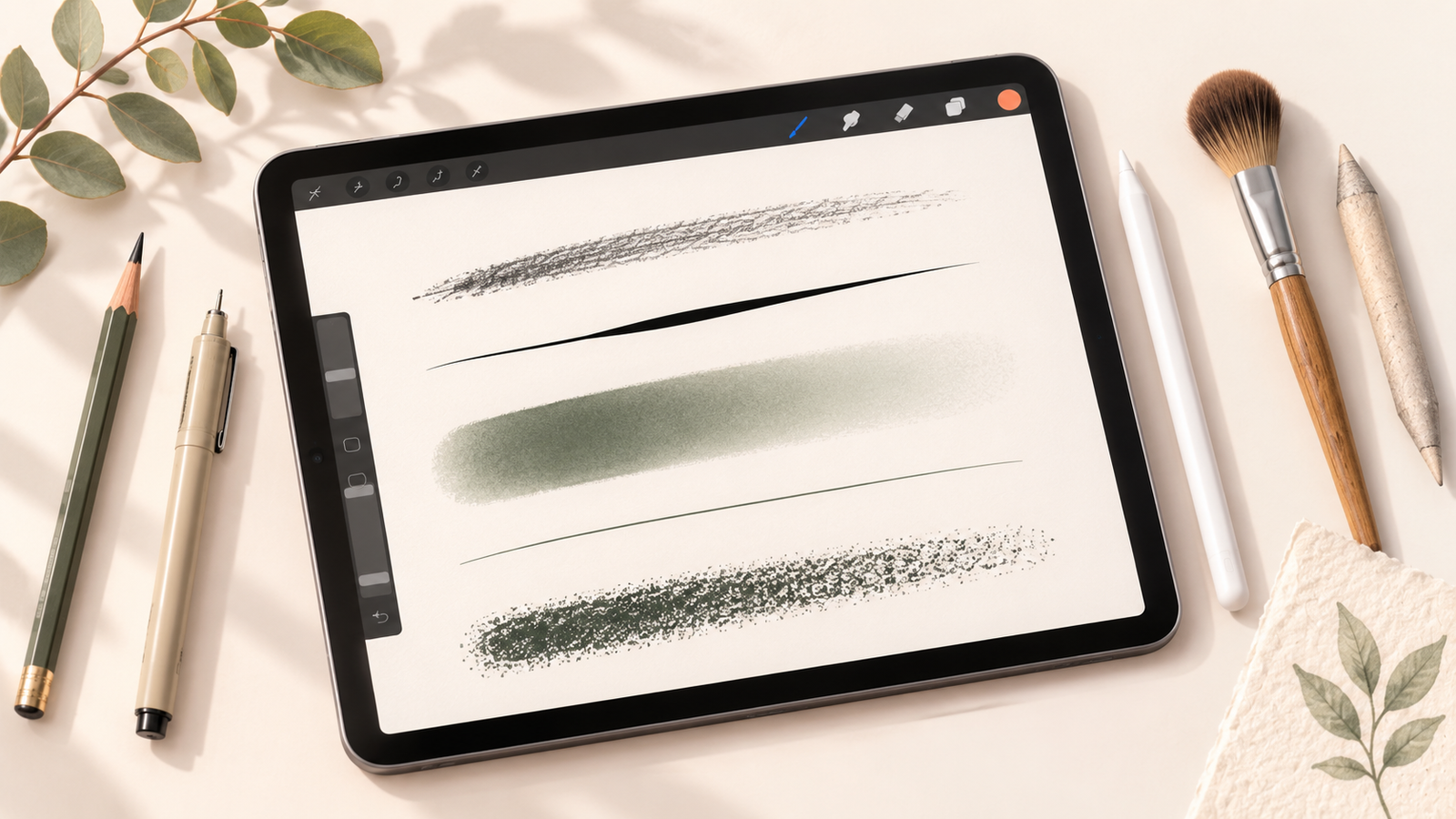
A Procreate starter brush set is the first thing you look for when you open the app and realize the default library, while capable, does not cover everything you need for your specific style. But here is the problem: the brush market is flooded with mega bundles of 2,000 brushes, and buying one of those as a beginner usually leads to paralysis, not progress. This guide is about building a small, reliable foundation. I will walk you through the five brush types that actually carry a beginner, how to test a set before you spend money, and the one mistake that wastes the most time. By the end, you will know exactly what to look for.
Why a Procreate Starter Brush Set Matters More Than a Big Library
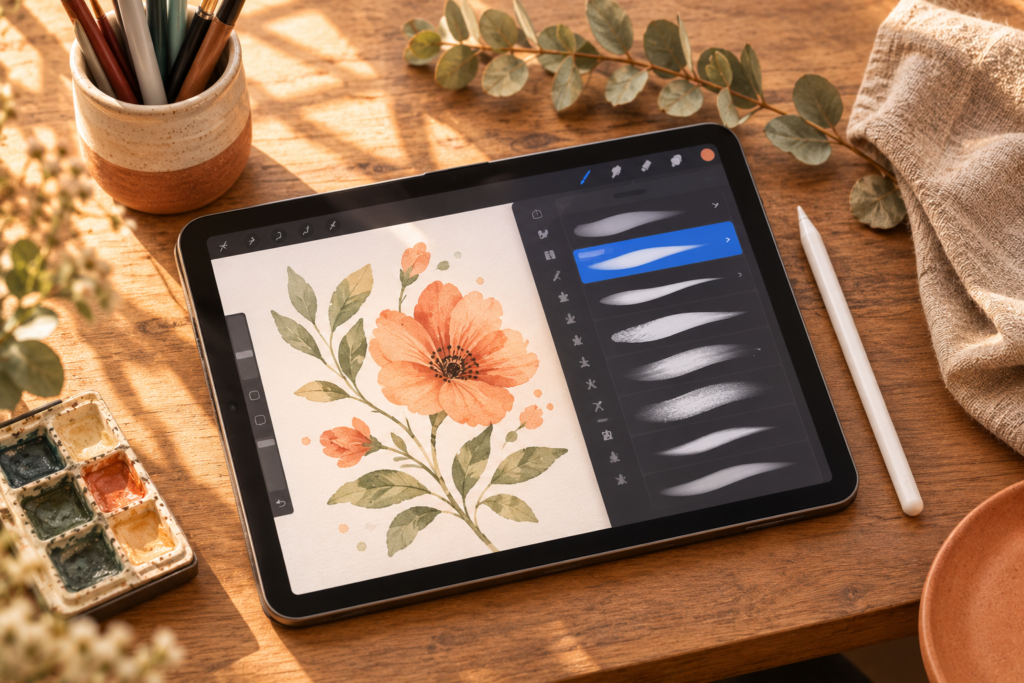
When you are learning to draw digitally, your brain is already processing layers, color theory, canvas resolution, and the pressure curve of your stylus. Adding a library of 500 brushes to that list is a recipe for overwhelm. A starter set is not supposed to cover every possible artistic niche. Its job is to give you one reliable tool for each stage of the drawing process: sketching, inking, rendering, blending, and adding texture.
When you have fewer brushes, you learn how they behave. You start to understand exactly how much pressure creates a specific line weight, or how a certain blender smudges colors. That knowledge is what actually makes your art look better. A massive library hides that learning process because you are constantly switching tools instead of mastering them. The best starter set is the one that gets out of your way and lets you draw. If you want a wider view of beginner-friendly options beyond this guide, my Procreate brushes for beginners roundup covers 14 essential sets.
The 5 Brush Types That Actually Carry a Beginner
You can draw almost anything with five core brush types. Everything else in a starter set is either a variation or a specialized effect. Here is what to look for in each one.
1. The Sketching Pencil
This is your construction tool. A good sketching pencil has visible grain, a slight taper at the end of the stroke, and enough transparency that you can see your underdrawing when you lower the layer opacity. If a pencil brush looks perfectly smooth and opaque, it will feel like drawing with a marker, not a pencil. You want something that mimics graphite on paper.
2. The Hard Render or Inker
This is your line art brush. It needs to have a clean, sharp edge with almost no texture. A good inker responds predictably to pressure: press hard for a thick outline, press light for a delicate detail. If the edges of the line look fuzzy or the brush stutters on fast strokes, you will fight it on every drawing. Look for something that feels solid and controlled.
3. The Soft Render or Blender
This is the brush beginners forget, and it is the one that makes shading look finished. A soft brush has blurred edges and low opacity. Its job is to transition one color into another smoothly, or to soften the hard edges of your shadows. Without a good soft brush, your shading will look blocky and unnatural. Look for a brush that feels like an airbrush but allows you to control the flow.
4. The Detail Liner
This is a smaller, tighter version of your inker. You use it for small details like eyes, eyelashes, thin folds in clothing, or delicate linework. A starter set should include at least one brush that can make a very thin, consistent line without breaking up. If your main inker is too thick for small details, the liner bridges that gap.
5. The Texture or Grain Brush
This is the brush that makes a digital drawing look like a traditional painting. It adds surface noise, paper grain, or grit. A good texture brush is subtle; it should sit on top of your art and unify it without overpowering the colors. You use it at the very end of the process to give the piece a handmade feel.
How to Test a Procreate Starter Brush Set Before You Commit
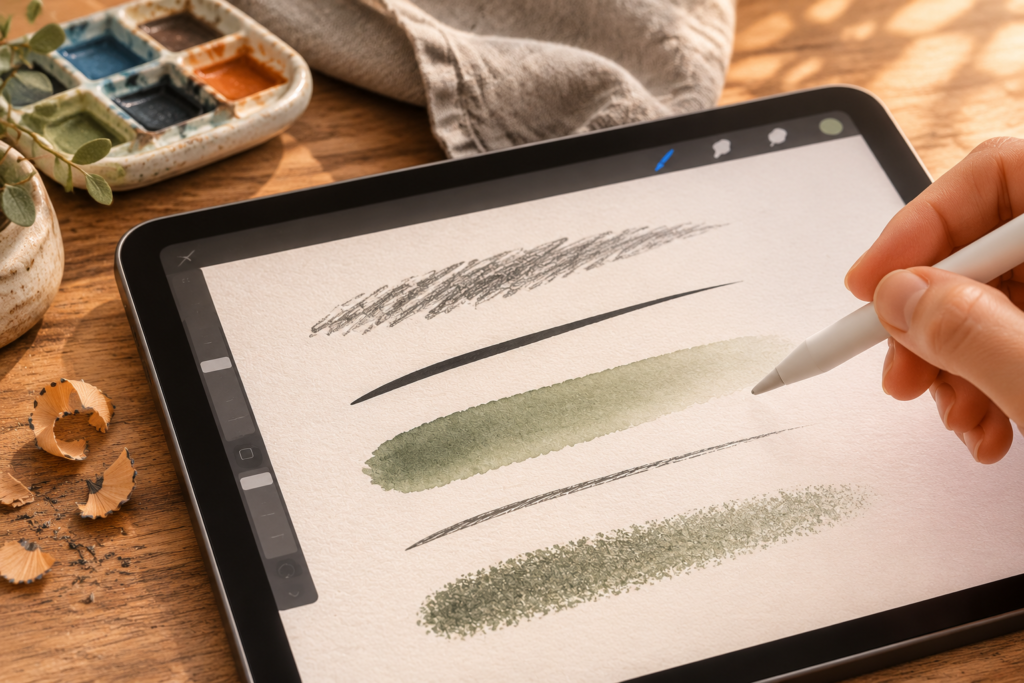
Do not judge a brush by its thumbnail. Before you buy a set, or before you commit to using one you just installed, run a five-stroke test on a blank canvas. It takes one minute and tells you everything you need to know about how the brush behaves.
- Stroke 1 (Light Pressure): Draw a line with the lightest touch you can manage. Does the brush produce a thin, controlled mark, or does it skip and stutter?
- Stroke 2 (Heavy Pressure): Press hard. Does the line get thicker, more opaque, or both? A good brush changes in a predictable way.
- Stroke 3 (Tilt): If you use a pressure-sensitive stylus, tilt it to the side. Does the brush widen into a flat edge, or stay the same? Tilt behavior is what separates real media imitations from flat digital brushes.
- Stroke 4 (Speed): Draw one line slowly and one quickly. A good brush tapers naturally at speed and stays even when you move slowly. A bad brush looks exactly the same regardless of how fast you draw.
- Stroke 5 (The Blend Test): Draw two different colors next to each other and use your blender brush to merge them. Does the transition look smooth, or does it smear into mud?
If the brush passes these five tests, it is worth keeping. If it fails on the tilt test, it is probably a flat brush pretending to be a pencil. If it fails on the blend test, it is not a painter, no matter what the preview image shows.
The Beginner Mistake That Costs the Most: Buying Too Many Brushes
The most expensive mistake a beginner makes is not buying the wrong brush. It is buying too many brushes. A massive bundle feels like a bargain, but the reality is that you will use five of them at most. The presence of hundreds of options slows down every decision you make while drawing. You spend more time scrolling through menus than making art.
There is a second cost: unfamiliarity. Every brush takes time to learn. If you switch brushes every day, you never develop that muscle memory, and your drawings stay inconsistent. Artists who use three to five brushes consistently produce more polished work than artists who use a hundred at random. Pick one sketch brush, one inker, one painter, and one blender. Use only those for two weeks. You will learn more about digital art in those two weeks than you would in two months of collecting.
Common Mistakes When Choosing a Procreate Starter Brush Set
Beyond buying too many brushes, there are three quieter mistakes that slow beginners down. None of them feel like mistakes at the time, which is exactly why they are worth naming.
The first is choosing a set based on the preview image alone. A thumbnail shows the most dramatic stroke the brush can make, not the ordinary line you will draw a hundred times. The second is ignoring the file format. Some sets are .brushset files that import directly into Procreate, while others are .abr files meant for Photoshop and need conversion. Check the format before you buy, because a set that will not import is not a starter set at all.
The third mistake is buying for the style you admire rather than the style you are practicing. If you are learning to sketch clean line art, a set built around loose watercolor washes will not help you build that skill. Match the set to the stage you are actually at, not the artist you hope to become six months from now. A good Procreate starter brush set is one that meets you where you are and grows with you for a few months, not one that assumes skills you have not built yet.
Best Procreate Starter Brush Sets That Cover the Basics
If you have tested the built-in brushes and decided you want to add a dedicated starter set, here are three options from my collection that cover the most common beginner needs. If you want a wider view, my Procreate starter brush set roundup covers 14 different kits.
Cartoon Art Basic Procreate Brush Set is the most direct route if you want to draw characters. It covers sketching, lining, and coloring, and includes color palettes so you do not have to guess how to combine colors. It is built specifically for people starting out.
Procreate Illustration Drawing Guide is the best choice if you learn by following instructions. It includes a step-by-step PDF, a layered file you can study, and two brush sets. You are not just getting tools; you are getting a guided lesson on how to finish a piece.
Acrylic Paint Procreate Brush Set is for beginners who want to paint rather than draw. It includes 40 brushes, two canvas files, and five practice sketches. The canvases give the paint a textured surface to sit on, which makes the digital painting look more like traditional acrylic. For more technical details on how brushes work in the app, the official Procreate Handbook is the most reliable source.
FAQ
How many brushes does a beginner actually need in Procreate?
About five working brushes are enough to start: a sketch pencil, a clean inker, a soft painting brush, a blender, and one texture brush. You do not need a library of hundreds. Most experienced artists rotate a small core set because fewer brushes mean faster decisions and a more consistent style.
Do I need to buy a Procreate starter brush set, or are the built-in brushes enough?
The built-in Procreate brushes are capable, and many artists use them for months before buying anything. Paid starter sets become useful when you want a specific behavior the default library does not cover well—such as realistic watercolor bloom, acrylic texture, or a guided workflow. If you are not sure what you are missing, start with the free brushes and add a paid starter set when you hit a specific limitation.
Why won’t my .brushset file import into Procreate?
The most common reason is that the file is still zipped. Procreate cannot import a .zip directly, so it appears greyed out or does nothing when you tap it. Unzip the folder in your Files app first, then tap the .brushset file. If it still fails, check that the file ends in .brushset and that your device is updated.
Can I use a starter brush set for client work or projects I sell?
This depends on the license of the specific set, not on Procreate itself. Many commercial sets allow you to sell finished artwork—prints, stickers, client illustrations—while prohibiting resale or redistribution of the brush files themselves. Check the product description before you buy, and look for the words “commercial use allowed.”
What’s the difference between a starter set and a mega bundle?
A starter set focuses on the core tools you need to finish a drawing: sketch, line, color, blend, texture. A mega bundle is a massive library of hundreds or thousands of brushes, often covering dozens of niches. Starter sets are for learning; mega bundles are for artists who already know exactly which brush they need for a specific effect.
Final Thoughts
Choosing the right Procreate starter brush set is less about finding the perfect brand and more about knowing what each brush is for. Once you can name the five core types—sketch, line, paint, blend, texture—the library stops feeling overwhelming. Start with the built-in brushes, test them properly, and only add a paid starter set when you can name the exact behavior you are missing. That approach keeps your brush library small, your choices fast, and your practice focused on drawing rather than shopping.
You May Also Like
- Procreate Starter Brush Set: 14 Best Sets for Beginners — the full roundup of beginner-friendly kits mentioned in this guide
- Procreate Brushes for Beginners: 14 Essential Starter Sets — a broader list of brush options for those just starting out
- Procreate Watercolor Brushes: 12 Realistic Painting Kits — if you want to explore watercolor after mastering the basics
- Best Procreate Pastel Brushes: 10 Soft and Oil Pastel — if you prefer matte, textured marks over smooth digital paint
- Browse all Guides — every tutorial and guide on the blog